
Connecting Facebook
Instructions
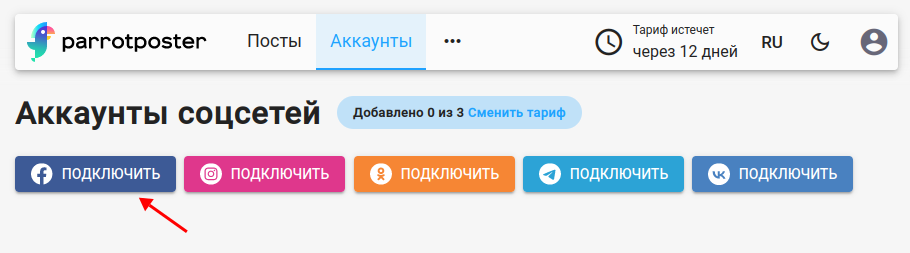
To connect Facebook, open the page for adding social networks. On the Facebook tab, click Go to add Facebook.
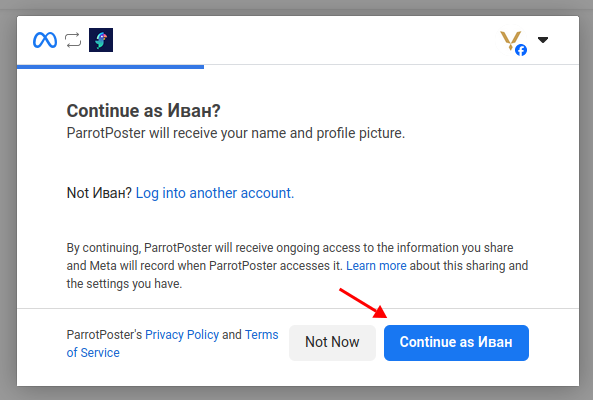
Facebook will ask you to confirm access for the ParrotPoster service. Click Continue.
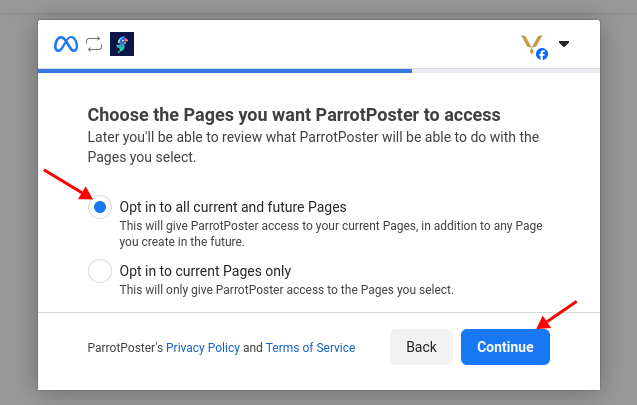
Choose to grant access to all page lists so you will not have issues when adding new Pages later. Then click Continue.
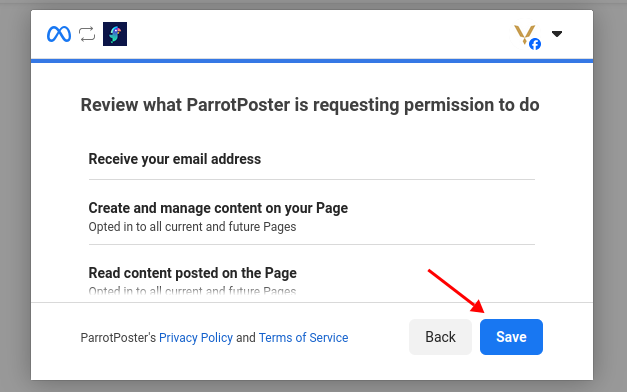
Facebook shows which permissions ParrotPoster will have. Click Save.
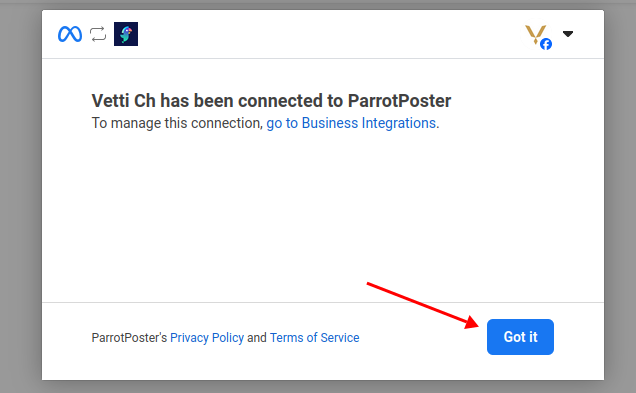
Finally, Facebook opens a page where you can manage app access in the future. You can also open it from your profile settings. Click OK.
Then select the Facebook Pages you want to connect and click Add.
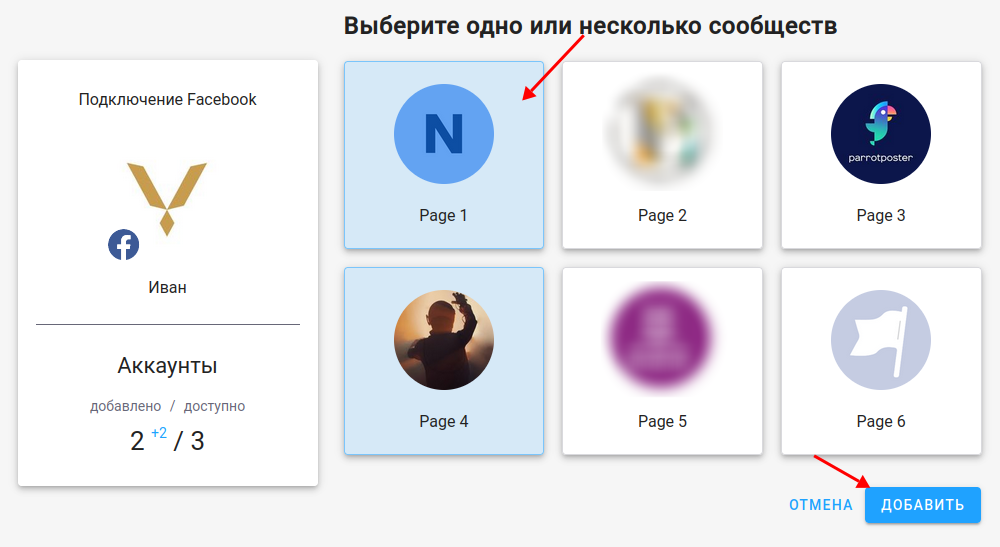
Done — you have connected a Facebook Page!
Troubleshooting
Group list is not shown
Currently ParrotPoster only supports Facebook Pages, not groups. We may add groups in the future.
Cannot select a profile
ParrotPoster does not publish to personal profiles automatically — only to Pages and (when supported) groups created for that purpose.
Empty list at the page selection step
Check that you are an administrator or moderator of the Page you need. If the problem persists, email support@parrotposter.com