
Connecting VK
Instructions
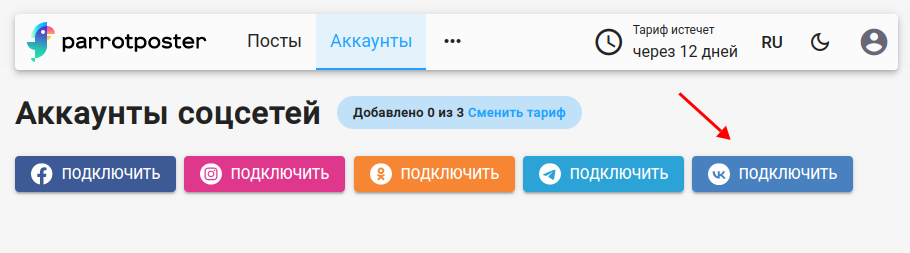
To connect VK, open the page for adding social networks. Then click Connect VK.
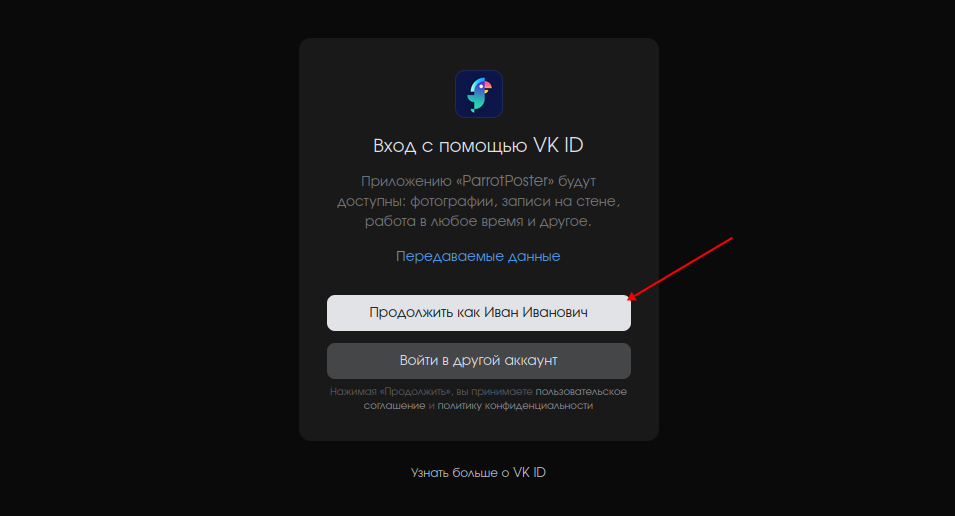
VK will ask you to confirm access for the ParrotPoster service. Click Continue.
Then select the VK pages you want to connect and click Add.
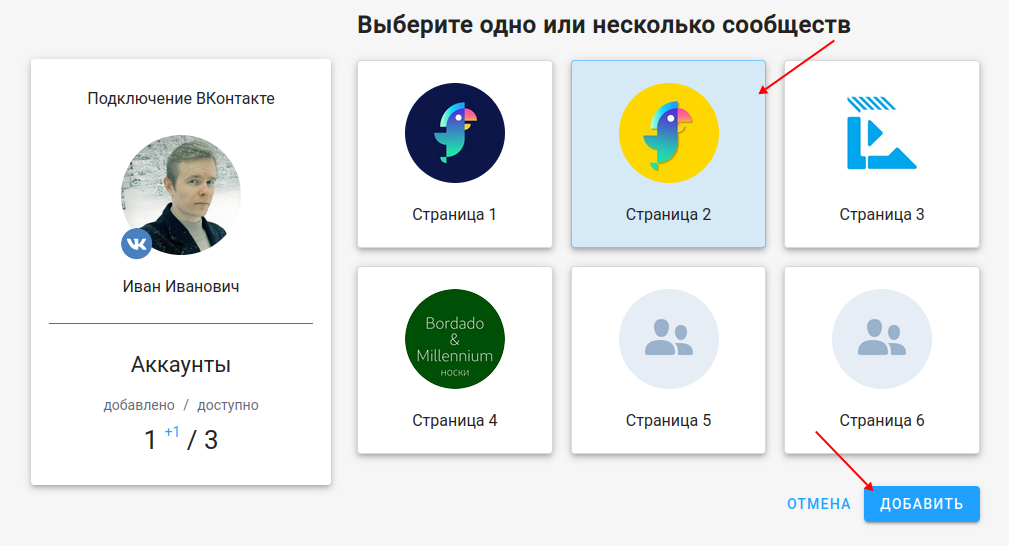
Done — you have connected a VK page!
Troubleshooting
No pages available to connect
Check the following:
- You are a member of the community/page (even if you created it)
- You have moderator or administrator rights :::