
Connecting Odnoklassniki
The connection uses the official Odnoklassniki authorization. You can publish to groups where you are a moderator or administrator.
Instructions
Open the Accounts section and click the Odnoklassniki button above the account list.
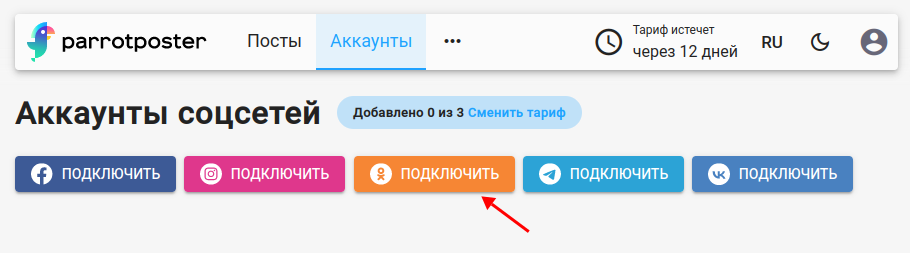
If you already have an active Odnoklassniki connection, ParrotPoster offers to Use it or create a New connection.
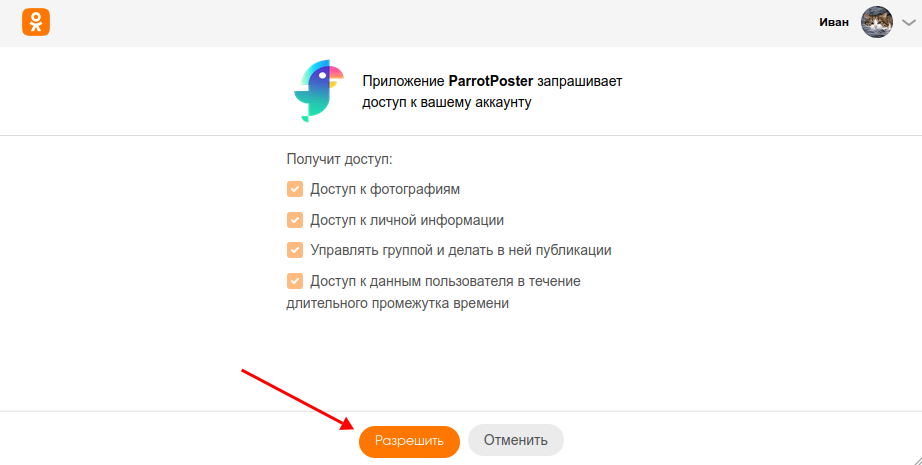
Odnoklassniki asks you to confirm access for ParrotPoster. Click Continue.
On the "Select communities to add" page, tick the groups you need and click Add.
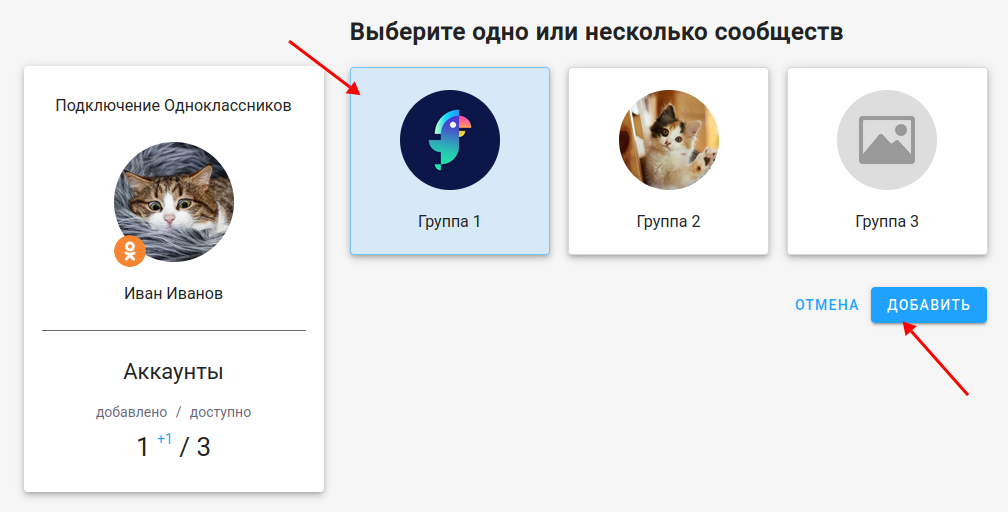
Done: the groups appear in the account list.
Reconnecting
If an account shows an error, choose Reconnect in the account card menu: ParrotPoster tries to restore access automatically and opens the Odnoklassniki authorization again only when needed. See the accounts overview.
Troubleshooting
No groups available to connect
Check the following:
- You are a member of the group.
- You have moderator or administrator rights.